Via Apple Health today
Use your Garmin data in a broader health system.
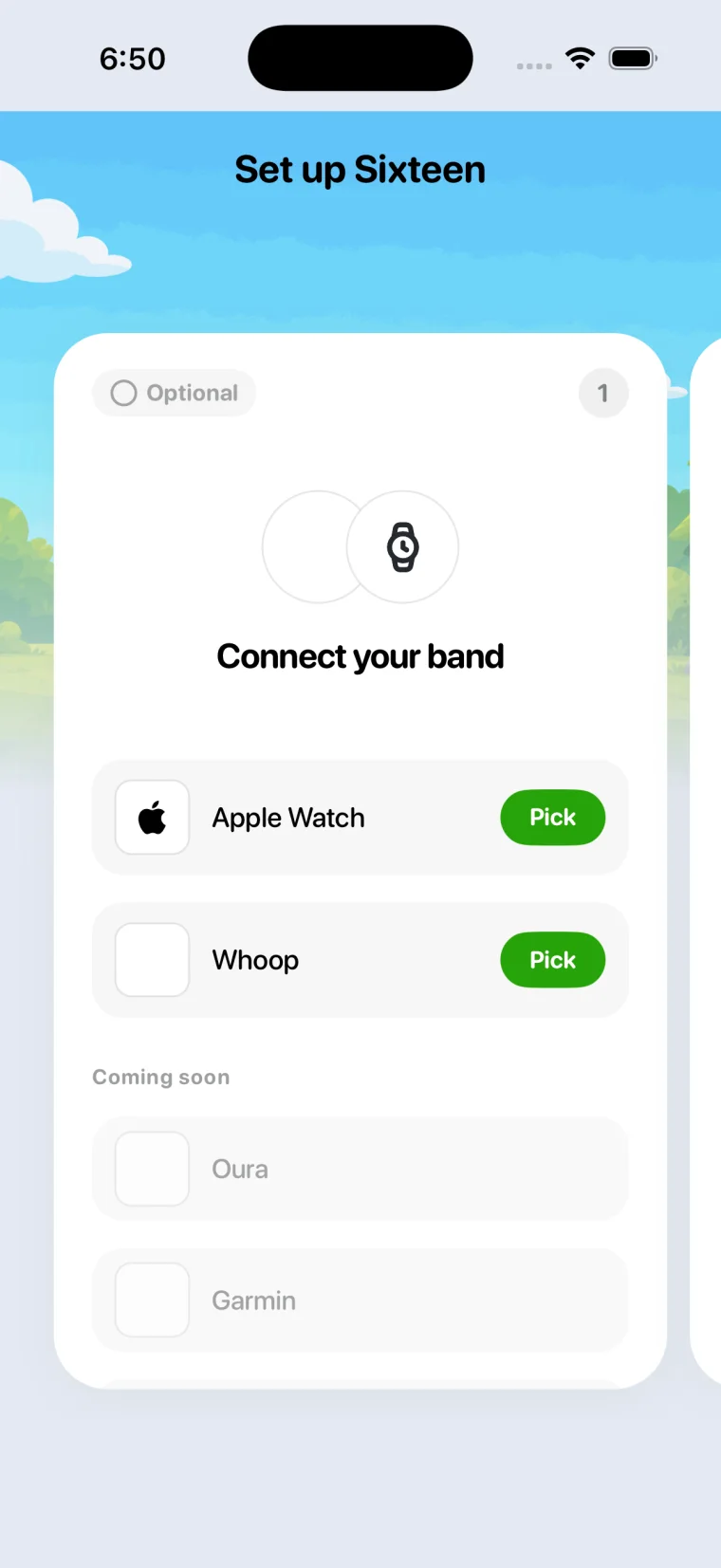
Garmin Connect is a great training app and it is free. Sixteen does not replace it. Turn on Apple Health sync in Garmin Connect and your sleep, heart rate and workouts come into Sixteen, where they meet nutrition, strength and your phone.
How it connects
The data path, exactly.
Garmin Connect writes sleep, heart rate, HRV, workouts and steps to Apple Health when you enable it. Sixteen reads those categories and builds your recovery and sleep scores from them.
Setup
- In Garmin Connect, open Settings, then Health Sync, and turn on Apple Health with all categories.
- In Sixteen, connect Apple Health and allow the same categories.
- Sync your watch in Garmin Connect after waking, then open Sixteen.
What comes across
- Sleep duration and stagesAs written by Garmin Connect
- Resting heart rate, all day heart rate
- Workouts with heart rate and GPS distance
- Steps and active energy
- Body Battery, Training Readiness, Garmin scoresGarmin keeps its scores in its own app
- Direct watch connectionOn the roadmap
Good to know
- Garmin Connect stays your training home. Sixteen adds recovery, nutrition, strength logging and screen time around it.
- HRV from Garmin arrives as nightly summaries where the watch supports it.
- We do not claim a native Garmin integration yet.
Questions people ask
Is Garmin Connect+ needed?
No. Apple Health sync is part of the free Garmin Connect app. Connect+ is Garmin's optional premium tier and Sixteen does not depend on it.
Why not just use Garmin Connect?
If training analysis is all you want, do. Sixteen is for the rest of the day: recovery you can act on, food, lifting, and a phone that locks at bedtime.
 Sixteen
Pay once. Keep your data. Earn your scroll.
Sixteen is $99 once for lifetime access, or $19.99 a month. Connect the wearable you already own. No hardware to buy, no membership that expires.
iPhone (iOS 17 or later). Prices in USD.